

When you entrust your business data to a cloud-based platform, you expect it to be safe and sound. However, most cloud platforms like Microsoft 365, Google Workspace and Salesforce acknowledge their backup shortcomings and recommend having an additional backup and recovery solution for your cloud-based data.
This is because cloud-based platforms often have limited data restoration capabilities, which can lead to data loss in the event of an outage or data corruption.
Unfortunately, many organizations like yours realize a backup is necessary only after their valuable data is lost. Don’t hesitate to deploy a robust backup and recovery solution to safeguard your cloud-based data. Before you get started, knowing best practices can help you get the most bang for your buck.
The Four Best Practices
Here are four practical steps that you can use to ensure your backup journey is smooth:
1. Set Your Expectations
When you subscribe to a cloud-based platform, you generally get some level of backup and recovery baked into it. However, will that be sufficient? The best way to find out is to read through the vendor’s terms and conditions (T&Cs) to see what type of backup they have in place.Even if a vendor says that backup is included, you need to know what they actually mean.
For example, some cloud-based service providers may only back up data once per day, while others may back up data in real time. To reiterate, reading through your vendor’s T&Cs is the first step to ensuring your valuable data doesn’t vanish into thin air.
2. Fine-Tune Your Backup
You should customize your backup to meet your needs; otherwise, you run the risk of using the solution either insufficiently or excessively.
To successfully fine-tune your backup, you may need to consider several factors. For instance, you must know how quickly data changes to decide how frequently to back up data.
Other factors must also be taken into consideration when deciding the frequency of data backups, such as the amount of data and the data type and importance.
3. Test Your Backup Regularly
Anyone who has ever lost data understands the importance of backup. However, having a backup isn’t enough unless you test it on a regular basis to ensure it’s working properly and that you’ll be able to access your data when needed.
By testing it regularly, you will be able to catch issues early and fix them before it escalates into something severe.
So, how often should you test your backup? The answer may vary depending on your backup system and how crucial your data is, but as a general rule, it’s a good idea to test your backup at least once a week.
4. Stay Up To Date On The Security Landscape.
As the digital world becomes increasingly complex, so does the security risks landscape. With the vast array of devices and applications we use, it’s crucial to be aware of the different ways your data could be compromised and have strategies in place to prevent them.
This is critical for both survival and competition. If you’re ready to deal with any threat that may arise, your organization’s chances of survival increase significantly. This strategy will also give you an advantage over your competitors because you are now far more resilient than you were previously.
Cloud Data Still Requires a Recovery Strategy
Many organizations assume that storing data in the cloud automatically protects them from data loss. While cloud platforms provide valuable availability and redundancy features, they do not eliminate the need for a well-planned backup and recovery strategy.
Accidental deletions, ransomware attacks, account compromises, retention limitations, vendor outages, and configuration errors can still place critical business information at risk. Organizations that maintain documented backup procedures and regularly validate recovery capabilities are far better positioned to minimize downtime and recover from unexpected events.
Effective backup planning is not simply about storing copies of data. It is about ensuring your business can continue operating when disruptions occur and restoring access to critical information quickly and reliably.
The most resilient organizations prepare for recovery before they need it.
Is Your Cloud Data Truly Protected?
Many businesses assume their cloud provider is handling all aspects of backup and recovery, only to discover gaps when an incident occurs. If you’re unsure whether your cloud backup strategy adequately protects your business, schedule a free consultation with ITNS Consulting. We’ll help you evaluate your current approach, identify potential weaknesses, and develop a practical recovery strategy that aligns with your business needs.
Could Your Business Recover from Cloud Data Loss?
Backing up cloud-based data requires more than simply relying on your provider’s built-in protections.
Download our Backup & Disaster Recovery Preparedness Checklist to evaluate your backup strategy, identify potential recovery gaps, and strengthen your organization’s ability to recover from data loss, ransomware, accidental deletion, and other disruptions.
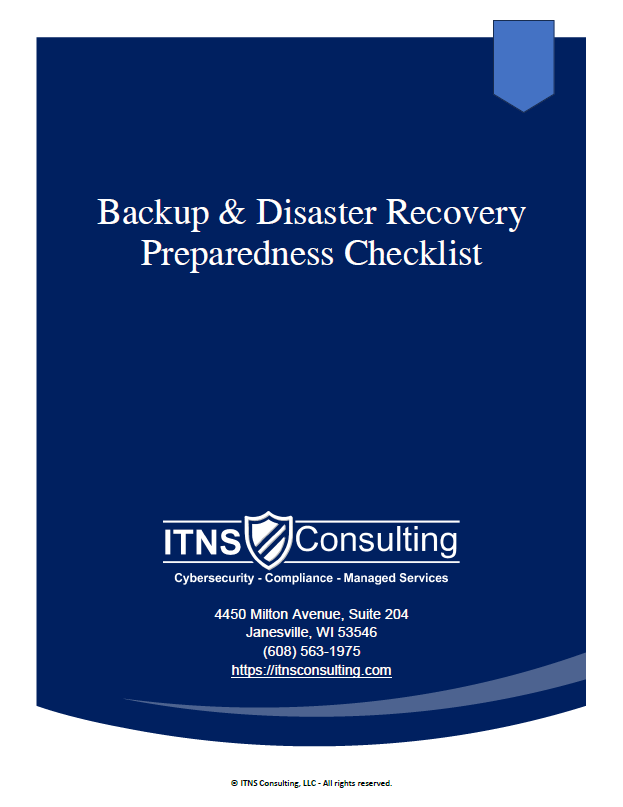
💾 Backup & Disaster Recovery Preparedness Checklist — Free Download
Be Ready for the Inevitable: Outages, Mistakes, Cyberattacks & Hardware Failures
This checklist helps leaders verify the reliability of their backup & recovery posture by highlighting the items that matter most: integrity, separation, testing, documentation, and clear expectations.
Perfect for:
✔️ Small and midsize businesses
✔️ Organizations preparing for cyber‑insurance renewal
✔️ Teams evaluating current IT providers
✔️ Companies with compliance or uptime requirements
✔️ Businesses that cannot afford downtime or data loss