It’s crucial to keep all software and hardware up to date to maintain optimal security. When software and hardware reach end of service, cyber criminals can easily infiltrate your network and the chances for downtime increase significantly. However, many businesses don’t realize that expired software/hardware can actually be one of the most prominent security risks hindering their success.
If you are among those who continue to use unsupported software and hardware until it literally doesn’t work anymore, remember that it could be a severe hurdle to your organization’s daily operations and reputation.
We know there are many myths surrounding End of Service or End of Life that create a great deal of confusion for businesses like yours. This blog is intended to help you clear things up.
Debunking The Myths
Without further ado, let’s debunk the most popular myths.
Myth #1: If it’s not broken, don’t fix (or replace) it
The adage “if it ain’t broke, don’t fix it” is popular, but it would not be wise to follow it when it comes to software and hardware. The truth is that if you fail to update your software and hardware when the time comes, you expose your network to security vulnerabilities, bugs, and other issues.
There are several reasons to keep your software and hardware up to date. Newer software and hardware versions are usually more stable and less prone to crashes and bugs. Moreover, new updates frequently include security patches that keep you safe from cyberattacks. Finally, updates may include new features and enhancements that can make your life easier.
Next time you’re tempted to skip an update, remember you could be kickstarting a chain of events that’s not good for your organization.
Myth #2: End of Life means the product will no longer exist
Although the product will still be available, it will no longer receive security updates, new features, or tech support from the manufacturer. This means that it will become increasingly vulnerable to security risks and may be unable to keep up with your workload.
It also implies your IT team will find it harder to keep your IT network and devices secure from cyberthreats. If you’re using a piece of hardware or software that has reached the end of its life cycle, you should consider upgrading to a newer model or investing in a new software license.
Myth #3: End of Service means I can still use the product until it breaks
While the software or hardware might still physically work, being in End-of-Life and End-of-Service state means there’s no longer a team of people working to not only improve the product but also look after, communicate, create, and release patches should a new security vulnerability arise.
This could leave you prone to attacks, as well as unable to use new features and capabilities that are released. Knowing the End-of-Service dates for your software and hardware can help you plan ahead and ensure you’re not left in the dark when support ends.
Unsupported Technology Creates Avoidable Risk
Technology reaching end-of-service is more than an inconvenience. Unsupported hardware and software can introduce security vulnerabilities, compatibility issues, operational disruptions, and compliance concerns that place unnecessary risk on the business.
The good news is that these risks can often be avoided through proactive planning. Maintaining an accurate technology inventory, tracking vendor support timelines, budgeting for replacements, and regularly reviewing your environment can help ensure critical systems remain secure and reliable.
Organizations that manage technology lifecycles proactively are better positioned to reduce risk, maintain productivity, and avoid costly surprises. Technology should support your business goals, not create unnecessary obstacles.
The earlier you identify aging systems, the more options you have to modernize on your own timeline rather than reacting to an unexpected failure or security incident.
Could Aging Technology Be Putting Your Business at Risk?
Many organizations do not realize how much unsupported technology exists within their environment until a security assessment uncovers it. If you’re unsure whether aging hardware or software could be increasing your exposure to cyber threats or operational disruptions, schedule a free consultation with ITNS Consulting. We’ll help you identify potential risks, prioritize upgrades, and develop a practical technology lifecycle strategy.
Build a Stronger Cybersecurity Foundation
Outdated and unsupported technology remains one of the most common sources of preventable cybersecurity risk.
Download our Cybersecurity Baseline Checklist to evaluate essential security controls, identify potential gaps, and take practical steps to better protect your business from vulnerabilities associated with aging technology.
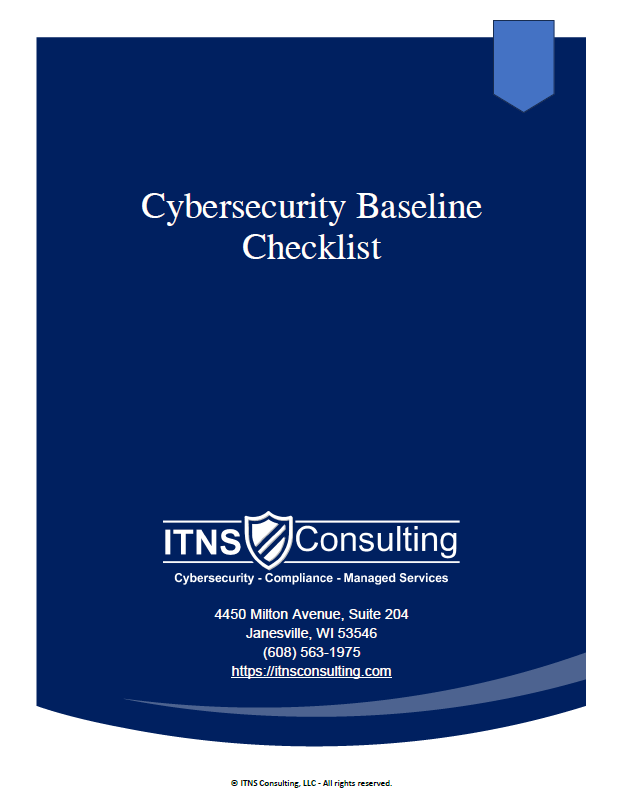
🛡️ Cybersecurity Baseline Checklist — Free Download
Understand Your Current Security Posture. Identify Gaps. Strengthen Your Defenses.
This straightforward, business-friendly checklist helps you evaluate your current security posture in minutes and identify weak points before attackers can exploit them.
It also helps you prioritize the most impactful fixes while strengthening compliance, cyber insurance readiness, and operational resilience.
Perfect for:
✔️ Small businesses getting started with cybersecurity
✔️ Leaders evaluating internal or outsourced IT performance
✔️ Teams preparing for growth, compliance, or insurance renewal
✔️ Organizations wanting predictable, repeatable security practices