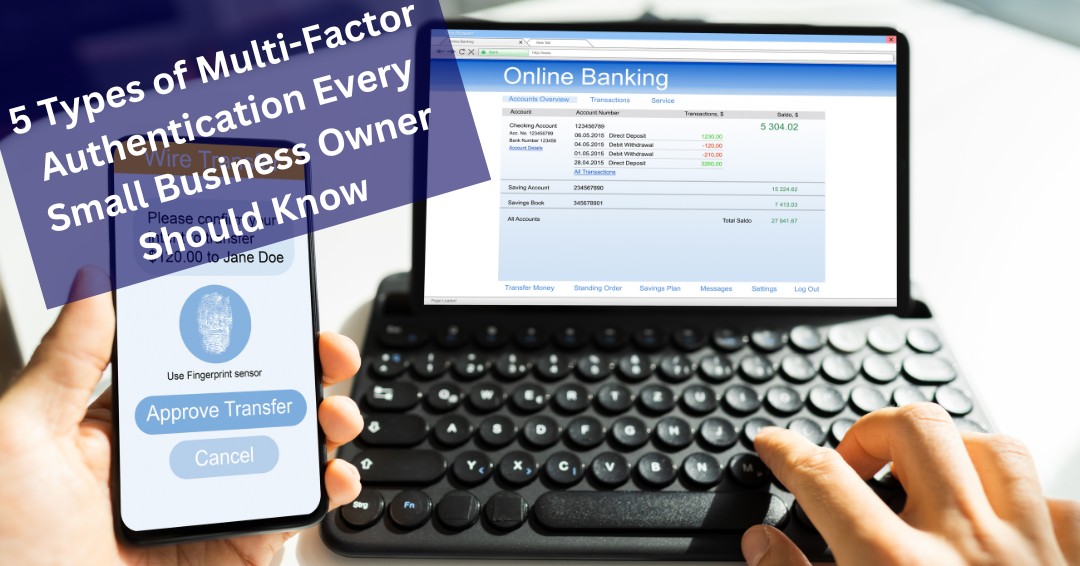


As a small business owner, the thought of a data breach can be daunting. Did you know that 99.9% of breached accounts lack multi-factor authentication (MFA)? For small businesses, where resources are limited and every disruption matters, implementing MFA isn’t just a good idea—it’s essential.
While large organizations often require MFA for sensitive records, many small businesses rely solely on passwords to protect their systems. This can leave your business vulnerable. Let’s explore how MFA works and the five types of identity verification that can protect your business from cyber threats.
How Multi-Factor Authentication Verifies Identity
MFA relies on combining different categories of verification to ensure secure access. These categories include:
- Something You Know
- Something You Have
- Something You Are
- Somewhere You Are
- Something You Do
By layering these methods, MFA creates robust security that’s much harder for cybercriminals to bypass.
Something You Know
This is the most traditional form of verification. Examples include:
- Passwords: Standard passwords or PINs.
- Security Questions: Answers to personal questions, like your mother’s maiden name or the name of your first pet.
While these methods are widely used, they’re also the easiest for hackers to exploit. Weak passwords or commonly known answers can be a vulnerability for small businesses.
Something You Have
This category includes physical or digital items that only the user possesses:
- SMS or Email Codes: One-time passwords (OTPs) sent to your phone or email.
- Authenticator Apps: Apps like Google Authenticator that generate time-sensitive codes.
- Hardware Tokens: Small devices that produce OTPs.
- Smart Cards: Cards embedded with authentication chips.
- USB Security Keys: Tools like YubiKey, which plug into your device.
For small businesses, authenticator apps are a cost-effective and secure choice, offering convenience without requiring additional hardware.
Something You Are
Biometric verification uses unique physical traits:
- Fingerprint Scans
- Facial Recognition
- Retinal Scans
While these methods are highly secure and difficult to replicate, they can come with drawbacks. For instance, implementing biometric systems can be costly for small businesses, and there may be privacy concerns around storing sensitive biometric data.
These methods are extremely secure because they’re nearly impossible to replicate. For example, if you run a small medical practice, biometric authentication can help secure sensitive patient data without disrupting workflows.
Somewhere You Are
This method verifies access based on location:
- Geolocation: Checking GPS or IP address to confirm your location.
For businesses with remote teams, geolocation can add an extra layer of protection by ensuring access is limited to approved regions.
Something You Do
Behavioral patterns are also used for authentication:
- Behavioral Biometrics: Typing speed, mouse movements, or device usage patterns.
- CAPTCHA: Verifying that you’re human through puzzles.
While these methods are less common, they can serve as an additional safeguard in your security setup.
Choosing the Right Multi-Factor Authentication Method for Your Business
As a small business owner, you need a solution that balances security and practicality. Authentication apps and biometrics are among the most secure options. Apps generate encrypted one-time codes, making it nearly impossible for hackers to breach your accounts without physical access to your device. Biometrics, like fingerprint scans or facial recognition, offer an unparalleled level of security because they’re unique to each individual.
For instance, if you own a boutique or a law firm, using biometric methods can protect sensitive client information while maintaining ease of access for authorized users. On the other hand, relying on SMS codes might leave you exposed to SIM-swapping attacks.
Strong Authentication Is One of the Best Investments You Can Make
Multi-Factor Authentication is no longer a security feature reserved for large enterprises. It has become one of the most effective and accessible ways for small businesses to protect accounts, sensitive data, and critical business systems from unauthorized access.
While no single security control can eliminate every threat, MFA significantly reduces the likelihood that compromised passwords will lead to a successful breach. When combined with strong passwords, employee awareness, regular software updates, and sound cybersecurity practices, MFA becomes a powerful part of a layered security strategy.
Cybercriminals continue to target businesses of every size, but organizations that implement strong authentication controls make themselves far more difficult targets. A few minutes spent enabling MFA today can help prevent costly incidents tomorrow.
Protecting your business starts with strengthening the controls that attackers encounter first. MFA is one of the simplest and most effective places to begin.
Is Your Business Using the Right Authentication Controls?
Many organizations have implemented some form of MFA but remain unsure whether it is configured properly, applied consistently, or protecting all critical accounts. If you’d like help evaluating your security controls and strengthening account protection, schedule a free consultation with ITNS Consulting. We’ll help you identify potential gaps and develop practical strategies to improve your cybersecurity posture.
Build a Stronger Cybersecurity Foundation
Multi-Factor Authentication is one of the most important security controls available, but it works best as part of a broader cybersecurity strategy. Download our Cybersecurity Baseline Checklist to evaluate essential security controls, identify potential gaps, and strengthen your organization’s defenses against today’s evolving cyber threats.
🛡️ Cybersecurity Baseline Checklist — Free Download
Understand Your Current Security Posture. Identify Gaps. Strengthen Your Defenses.
This straightforward, business-friendly checklist helps you evaluate your current security posture in minutes and identify weak points before attackers can exploit them.
It also helps you prioritize the most impactful fixes while strengthening compliance, cyber insurance readiness, and operational resilience.
Perfect for:
✔️ Small businesses getting started with cybersecurity
✔️ Leaders evaluating internal or outsourced IT performance
✔️ Teams preparing for growth, compliance, or insurance renewal
✔️ Organizations wanting predictable, repeatable security practices